Everything runs on your phone

Meeting notes that never leave your phone

Verbale records the meeting, writes the transcript, works out who said what and pulls out the decisions and the actions — all on the device in your hand. There is no server here that could hold a recording, because nothing is ever uploaded.

Free to use, with no account. Android, 64-bit.

READY Tuesday standup
SUMMARY
3 actions 2 decisions 4 speakers

Three taps, then nothing to do

Start it before the meeting, put the phone down, and read the notes afterwards. It keeps recording with the screen off, or in a small window over whatever else you are doing.

01

Record

Hit record and put the phone down. It keeps going with the screen off, through other apps, and in a floating window if you want to watch it work.

02

It listens

Speech becomes text, and voices are separated into speakers you can name. Both happen on the phone, with no network at all.

03

Read the minutes

Decisions, action items and open questions, pulled out of what was actually said and ready to copy or send on.

See it on a real meeting

Screens from the app itself.

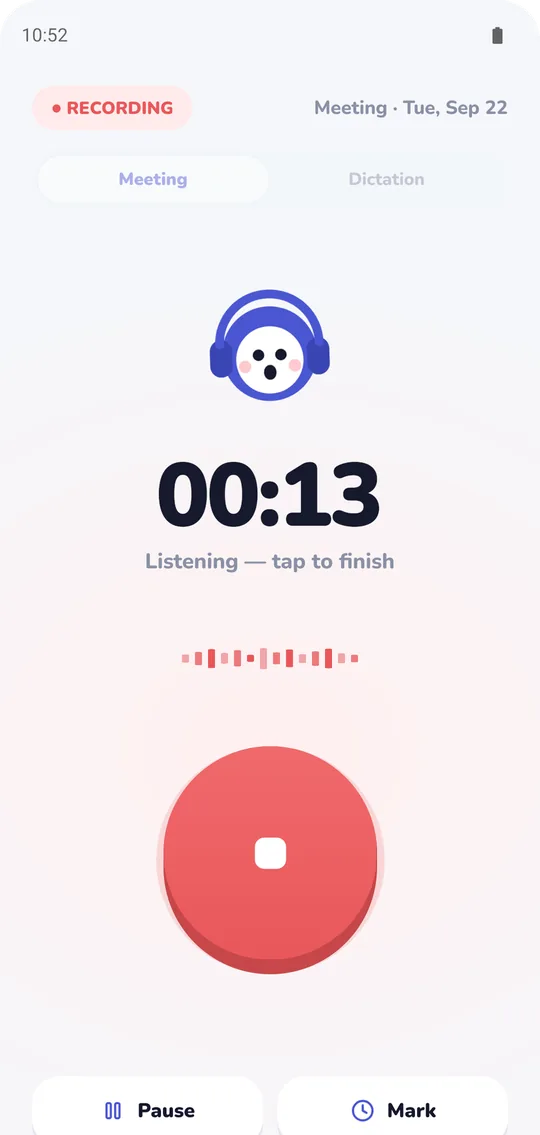
Verbale meeting recorder app recording a meeting on an Android phone, with a timer and Pause and Mark buttons
Just hit record
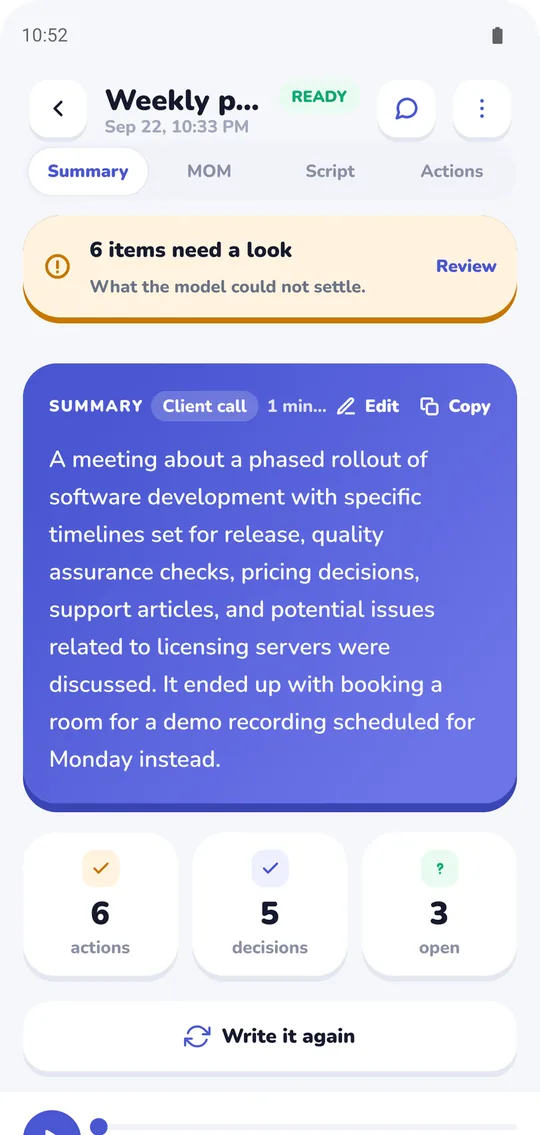
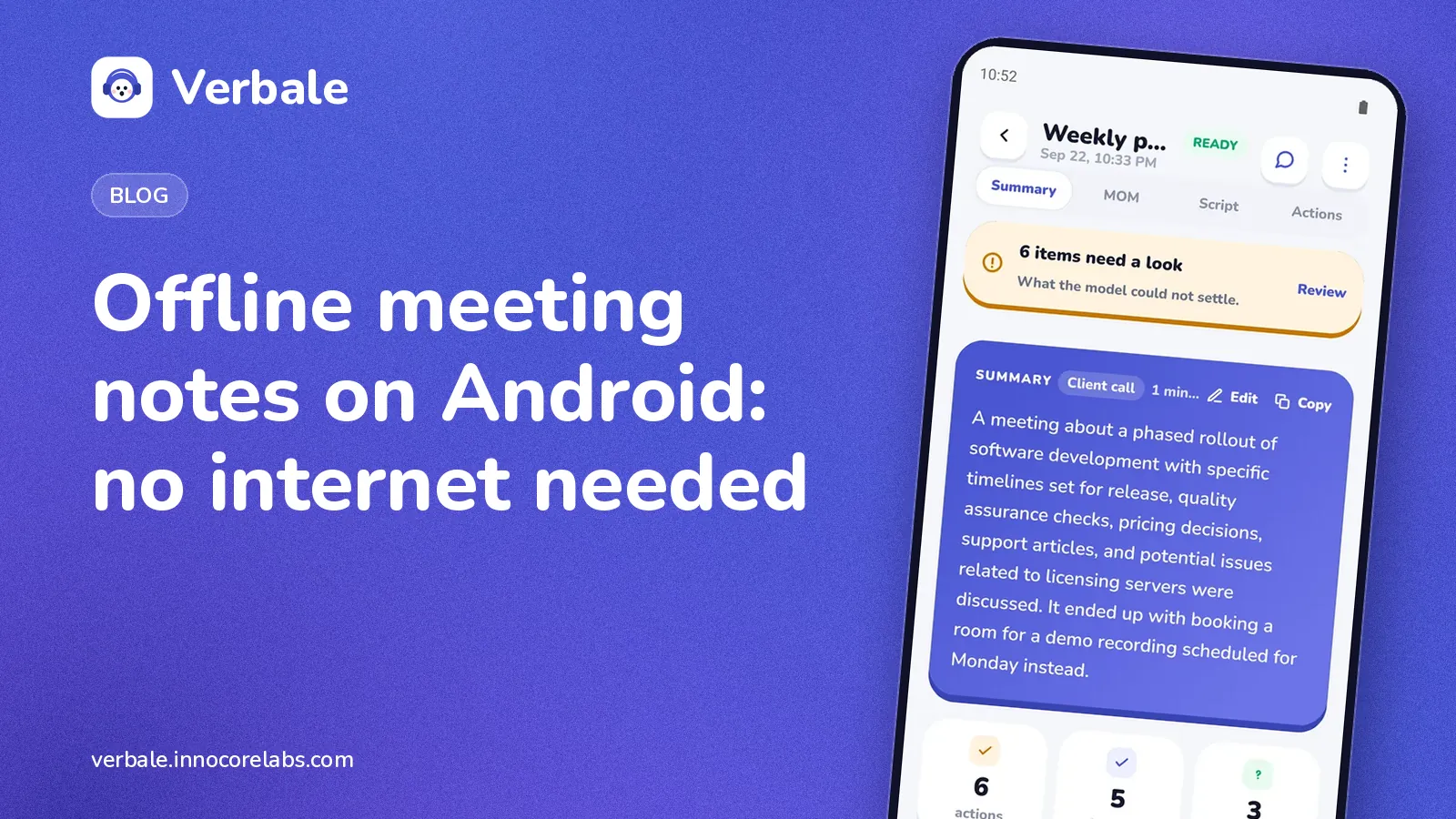
AI meeting summary written on the phone by the Verbale meeting notes app, with action and decision counts
Your meeting, written up Pro
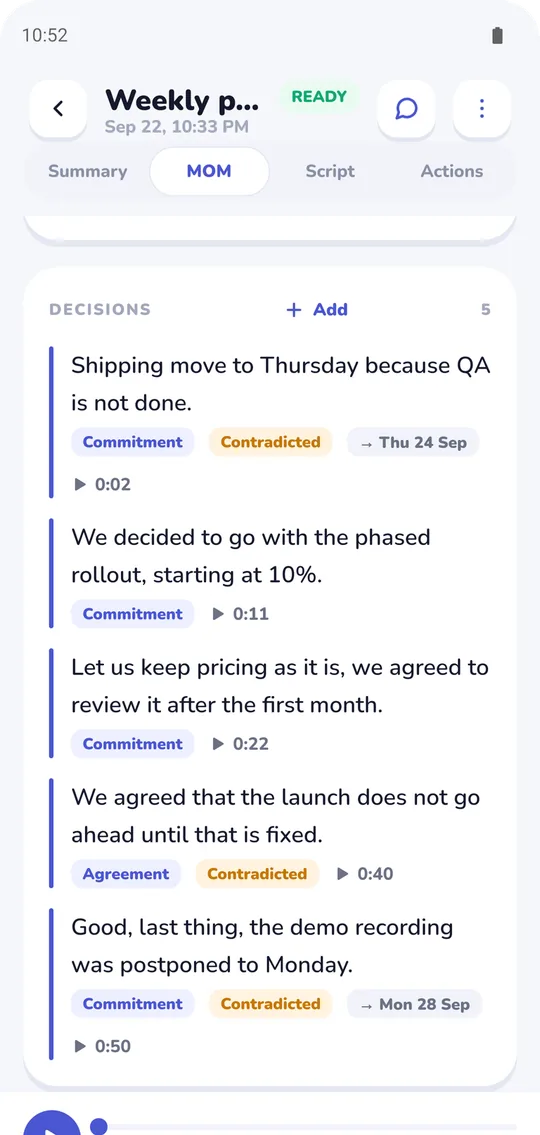
Meeting decisions list, each linked to the moment it was said in the recording
Every decision, with proof
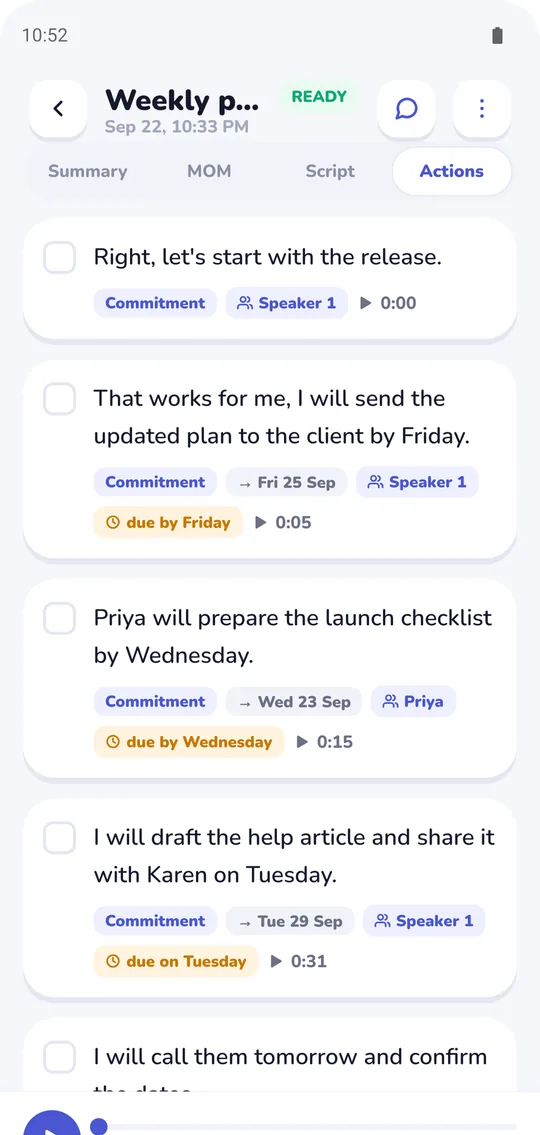
Meeting action items listing owners, and due dates where one was said, from the Verbale meeting notes app
Who owes what, by when
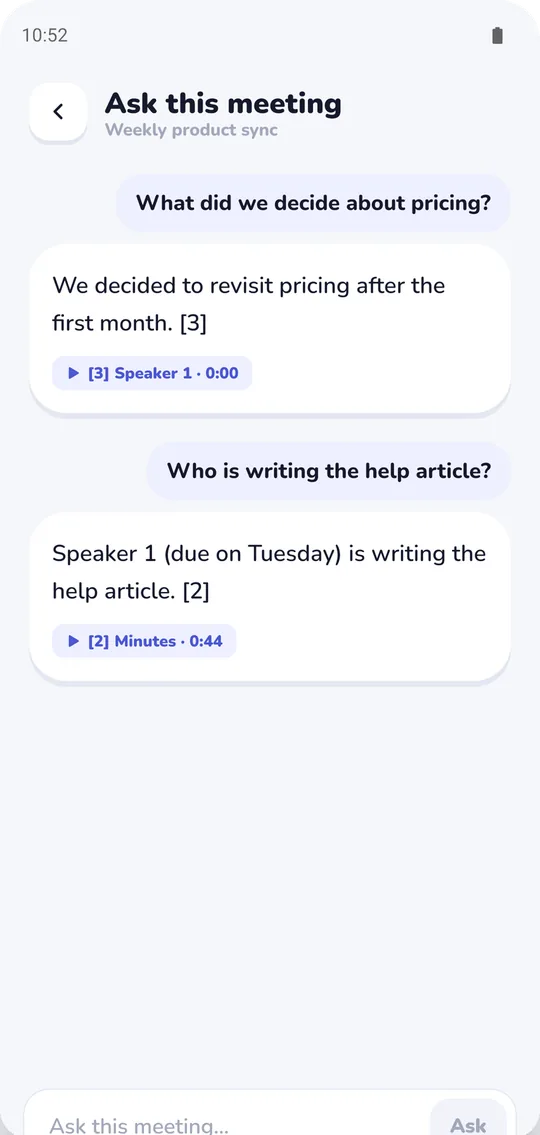
Ask a meeting a question: answers cite the part of the meeting transcript they came from
Ask the meeting anything Pro

Built the hard way, on purpose

Running speech recognition on a phone is slower and far more work than sending audio to a data centre. It is also the only version of this that can promise what the headline promises.

Your meeting is not uploaded

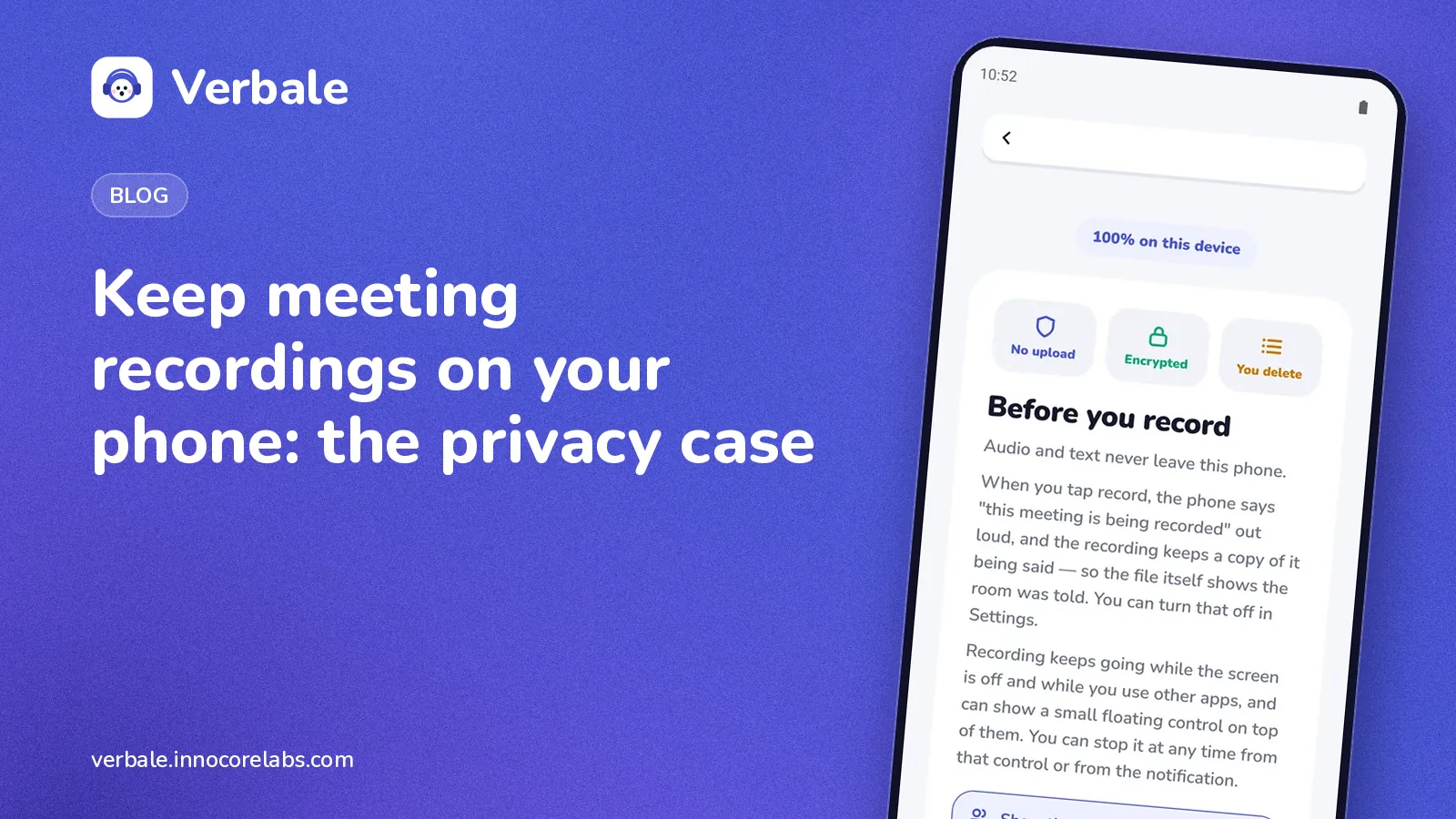
No recording, transcript or summary ever leaves the device. There is no bucket somewhere with your meetings in it, because there is no bucket.

Records the way meetings happen

Screen off, in your pocket, or floating over the call you are already on. Long meetings survive the phone locking, ringing and being put away.

Knows who spoke

Voices are separated into speakers and kept apart through the transcript, so the minutes can attribute a decision to the person who made it.

Minutes, not a wall of text

Decisions, actions and open questions are pulled out of the transcript, with the line they came from still attached.

Works with no signal

On a train, in a basement, on a plane. The models live on the phone, so the network is only ever needed to download them once.

Encrypted where it sits

The database on the device is encrypted, and you can export or delete everything at any time without asking anybody.

No account needed to use it

The free tier asks for nothing — no email, no sign-up, no profile. An account exists only to carry a subscription across your devices, and you can delete it, and everything attached to it, from your account page.

Free forever. Pro when you want prose.

Everything that makes the app useful is free and stays free. Pro adds a second model that writes the meeting up in sentences — and it runs on your phone too.

Free

₹0 forever
  • 5 meetings each month, up to 1 hour each
  • Full transcript, separated by speaker
  • Decisions, actions and open questions
  • Search every word across your saved meetings
  • Copy any meeting's write-up to the clipboard
  • No account, nothing expires
Get it on Google Play

Pro

7 days free  then ₹300/month or ₹2,500/year

Other countries see their local price in Google Play.

  • Everything in Free
  • As many meetings as you like, of any length — a ninety-minute meeting in one go
  • Export: MP3, PDF, SRT, Markdown, text — the minutes as a document, or the original recording as an MP3
  • Search by meaning, so a question finds the answer even when the words differ
  • The summary and the minutes written in plain English, by a model on your own phone
  • A larger, more accurate transcriber for strong accents, crosstalk and bad rooms
  • Up to 3 devices on one subscription
  • Everything already written stays readable if you stop paying

The trial starts in the app. Nothing to sign up for here.

Get it on Google Play

From the blog

All posts →

Questions people actually ask

Is my audio really never uploaded?

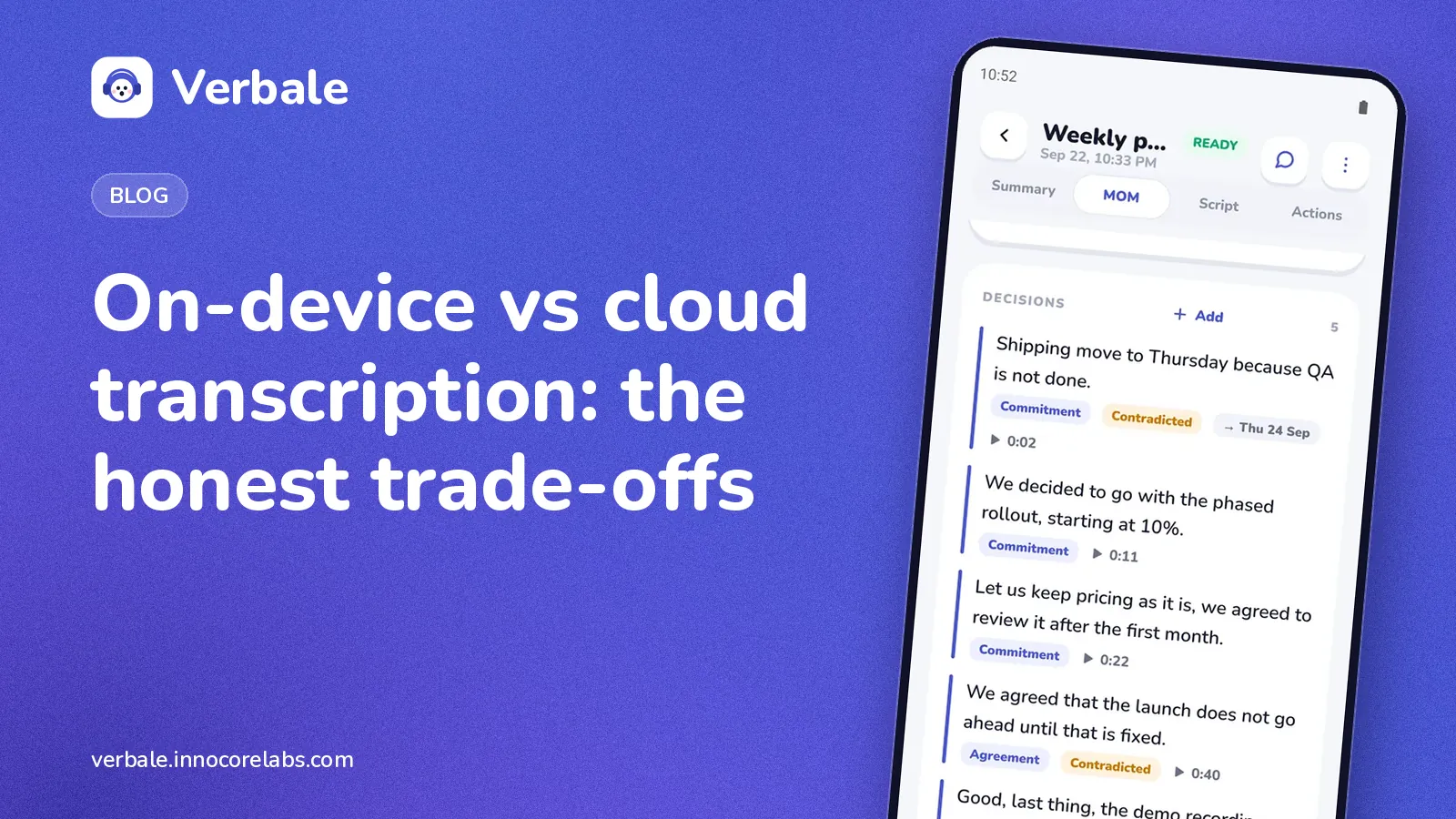
Yes. Transcription, speaker separation and the minutes all run on the device. The app uses the network for three things: downloading the speech models the first time you open it, checking a subscription if you have one, and sending a crash report if you switched those on. None of the three carries any of your content, and the app has a screen that counts every call it makes so you can check rather than trust.

Does it report crashes?

Only if you say yes. You are asked once, it is off until then, and you can withdraw at any time in Settings. A report carries the stack trace of the failure, the app version and the model of phone — never your audio, transcripts or notes. It goes to Google Crashlytics, and because Crashlytics sends it rather than the app, it is the one thing the network screen cannot count. It says so, there, in those words.

Why is there a download when I first open it?

The speech models are not bundled into the app, which would otherwise be far too large for the store. They are about 96 MB, download once, and then the app works with no connection at all. Pro adds larger models, about 1.3 GB in all, which download in the background as soon as you subscribe or start the trial; you can keep using the app while they do.

What happens if I stop paying?

Recording, transcripts, speakers, copying and the rule-based minutes keep working — those are the free tier and they do not expire, and every meeting you have already recorded stays exactly as it is, at whatever length it was. New recordings go back to the free allowance of five meetings a month, up to an hour each, and search by meaning goes back to Pro. Searching for a word stays free.

Why is Free limited to five meetings a month?

Because the alternative was advertising, and an app that reads your meetings should not also be selling your attention. Five meetings of up to an hour each is roughly one a week, enough to see the whole thing work — transcript, speakers, minutes — on your own meetings before deciding. Imports and dictations count as meetings. A recording that reaches the hour stops there and is still transcribed in full, and when the month's five are used your saved meetings stay open to listen to, search, edit and copy. Nothing you recorded is ever thrown away. The count starts again on the first of the month.

Do I need an account?

No. There is nothing to sign up for. Subscribing happens in the app through Google Play, and the account that carries it between your devices is created by the purchase itself. To have it deleted, see deleting your account.

Which phones does it work on?

Android, on 64-bit devices. It is doing real speech recognition locally, so a recent mid-range phone or better will be noticeably quicker than an old one.

Your meetings, kept to yourself

Free to start, no account, and nothing to cancel.